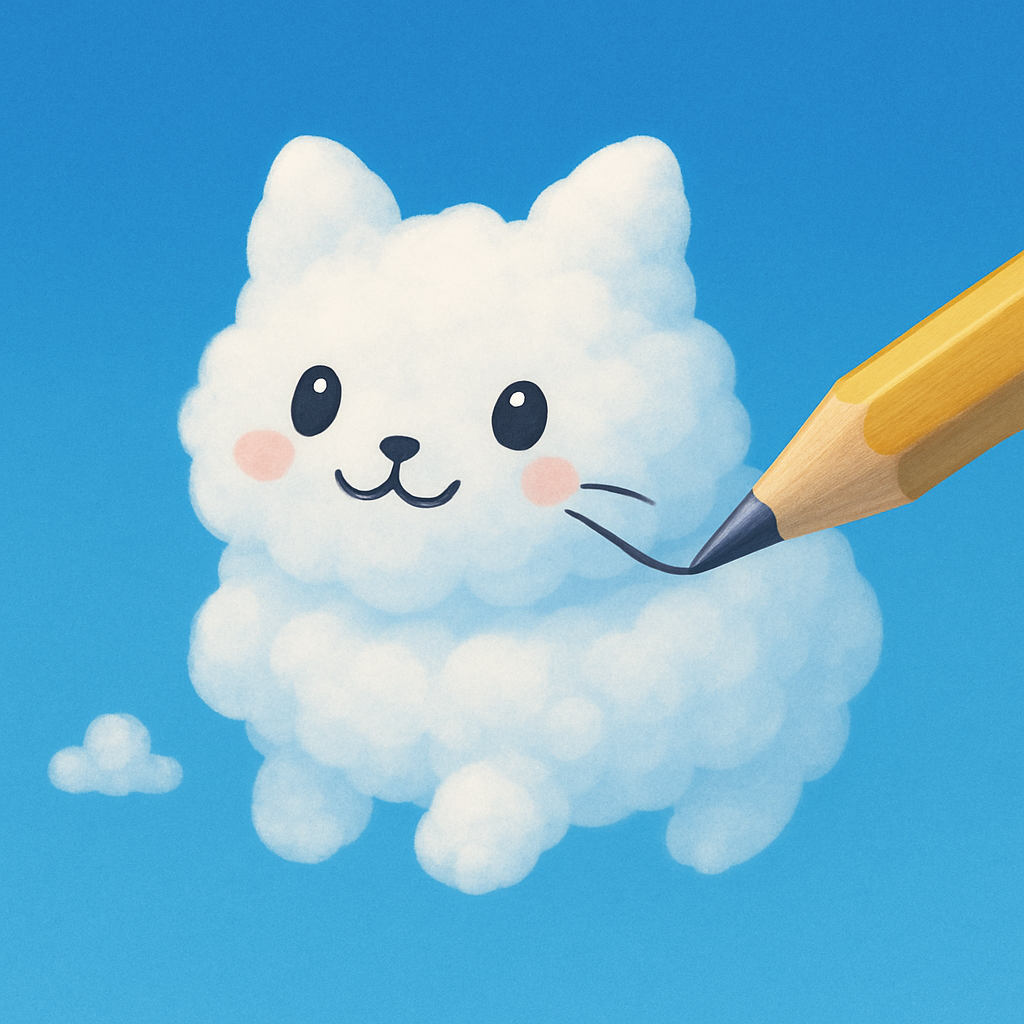
App icon
The cloud cat and pencil, on blue. Square PNG without a rounded mask.
Download PNG 1024 × 1024 · 1.49 MB Cloud Gaze
Get Cloud Gaze
A little background. A sky full of assets.
Artwork, screenshots, and the details you need to tell the Cloud Gaze story.
For interviews, review access, or something specific: Contact Austin
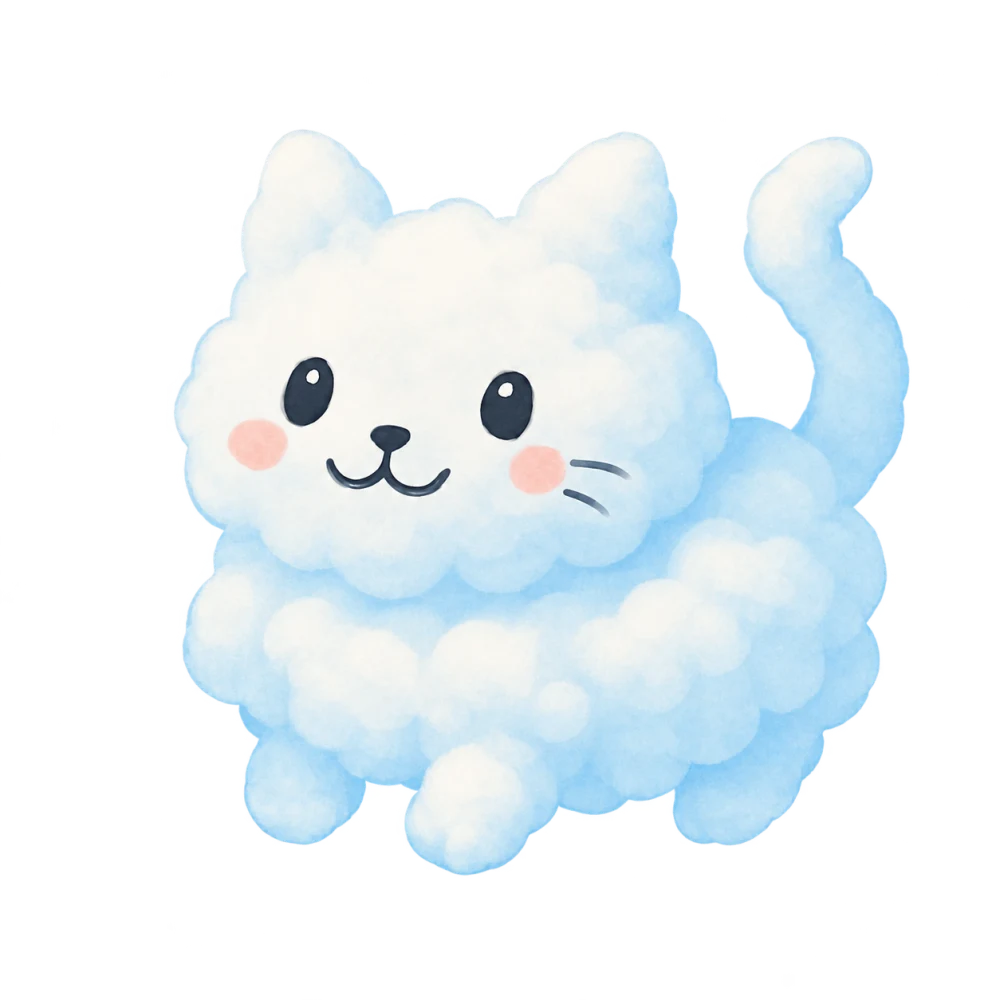
Cloud Gaze is a quiet, creative app for drawing what you see in the clouds, on your own or together over FaceTime SharePlay.
Cloud Gaze turns drifting clouds into a canvas for your imagination. Pause the sky, find a familiar shape, and draw with your finger or Apple Pencil on a compatible iPad. Save your favorite sketches, share a still image or animated video, or send an editable drawing for someone else to continue. Friends and family can draw in the same clouds over FaceTime SharePlay. Drawing, saving, sharing, SharePlay, and sky controls are free. The optional Cloud Gaze Pro subscription adds five premium backgrounds, with monthly or yearly billing.
Download descriptions & usage notesThis kit covers version 2. Check the App Store for the currently available version, or contact Austin for release timing and review access.
Original PNGs for your article, review, or video. The mascot retains its transparent background.
The cloud cat and pencil, on blue. Square PNG without a rounded mask.
Download PNG 1024 × 1024 · 1.49 MB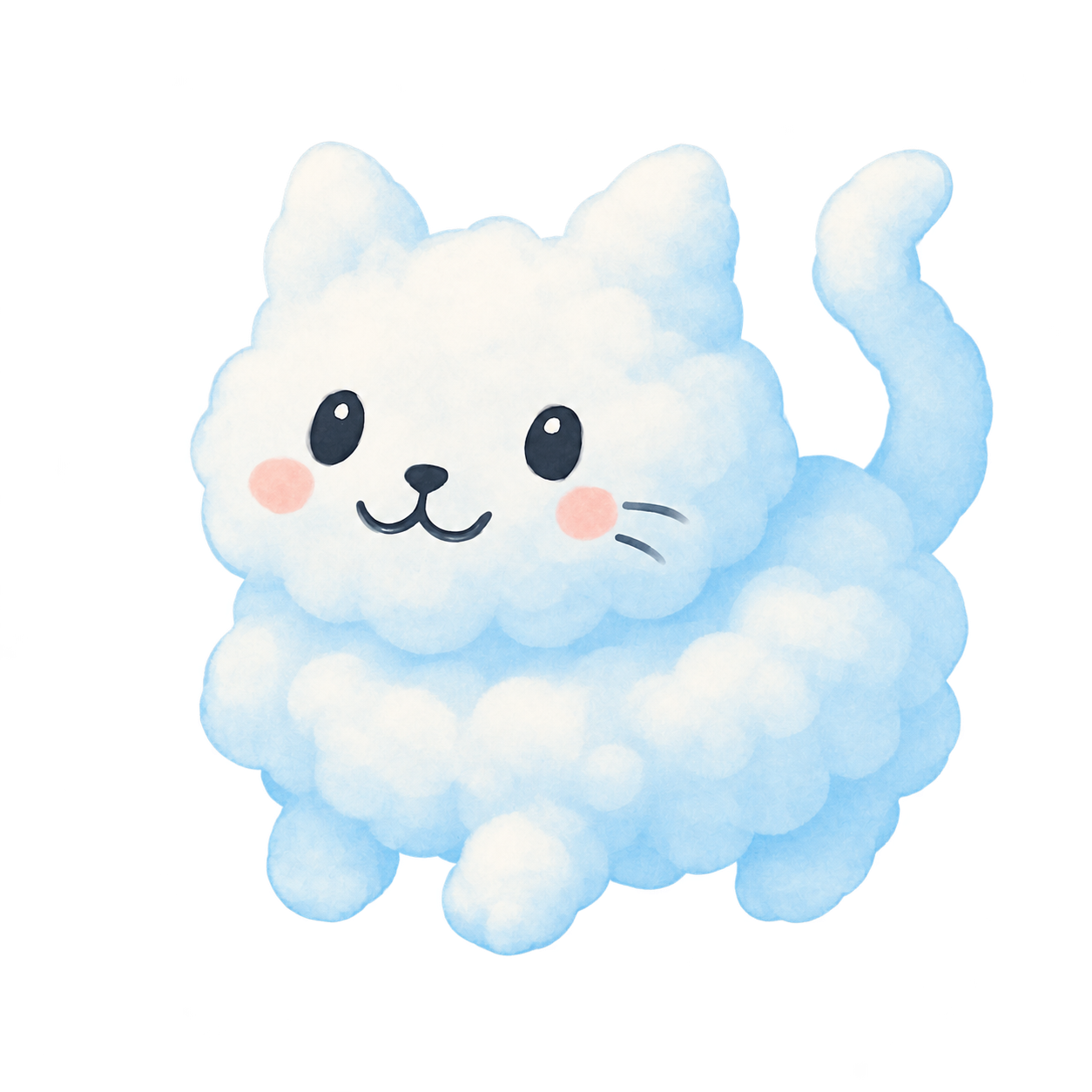
The original mascot illustration, with a transparent background.
Download PNG 1254 × 1254 · 1.02 MB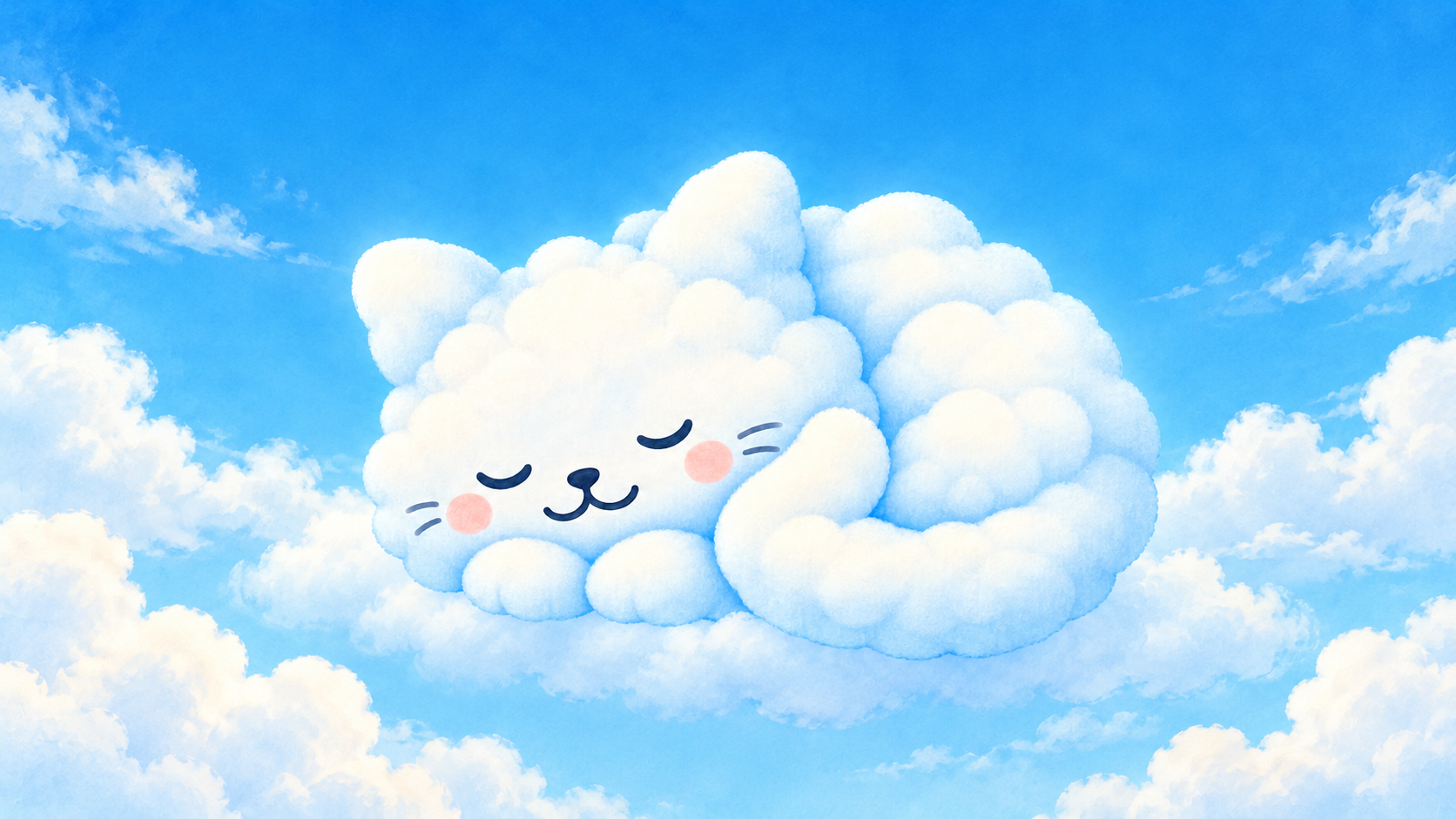
Text-free landscape illustration for article headers and features.
Download PNG 1672 × 941 · 1.84 MBFull-resolution version 2 screenshots, with sample artwork. The interface and sky are captured from the app.
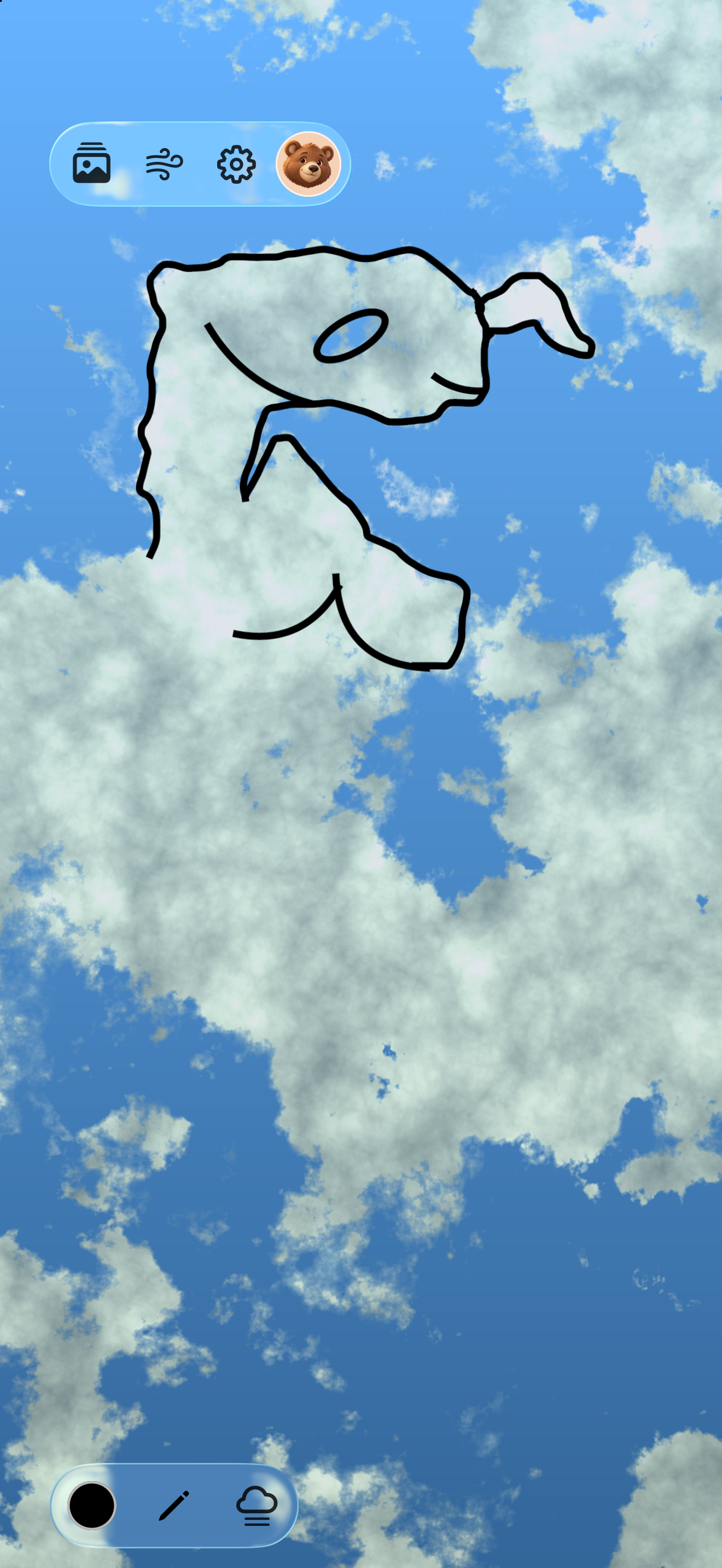
Spring Afternoon with a hand-drawn cloud creature. Free background.
Download PNG 1320 × 2868 · 1.97 MB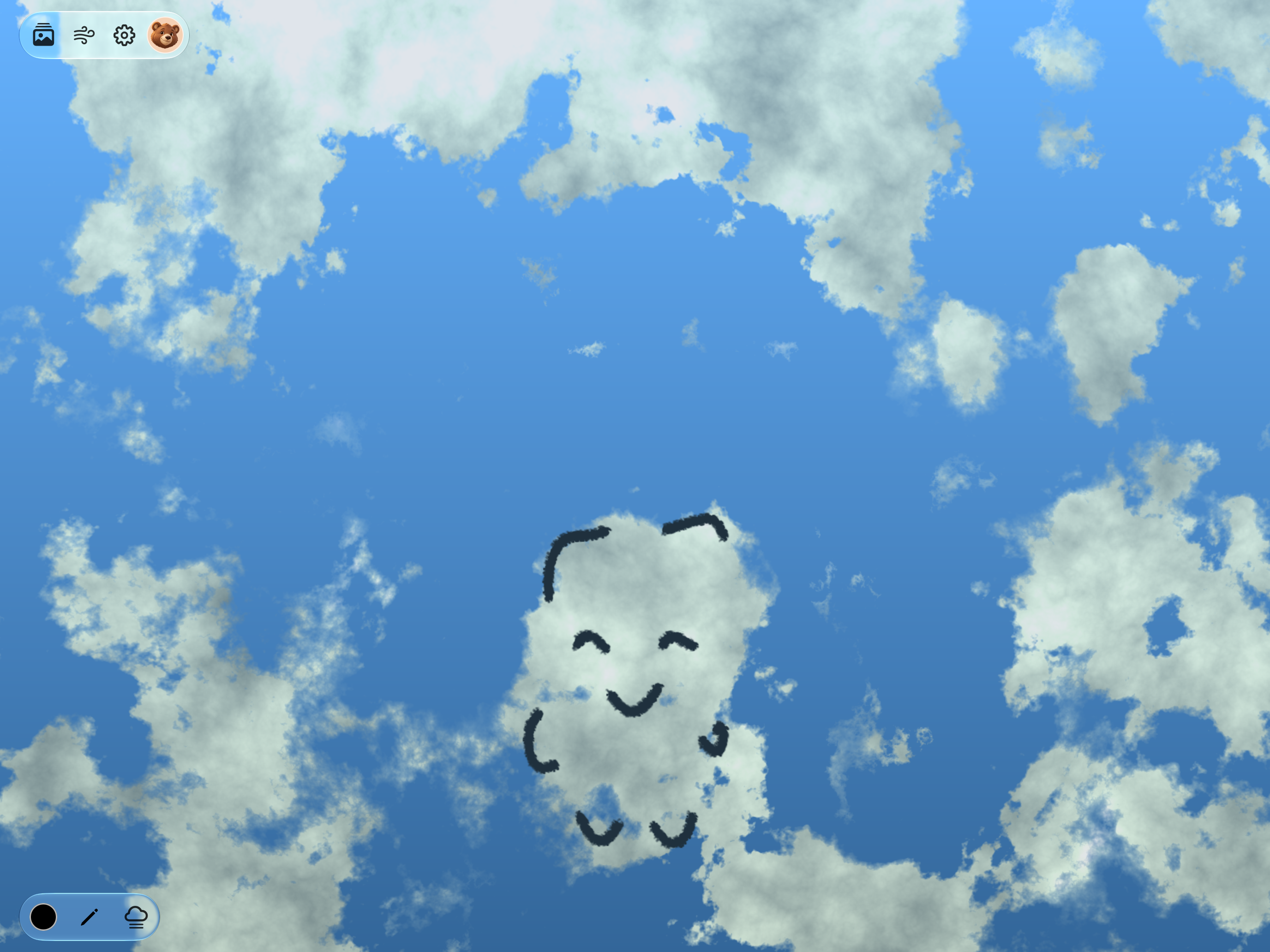
Spring Afternoon with a smiling cloud sprite. Free background.
Download PNG 2752 × 2064 · 3.61 MB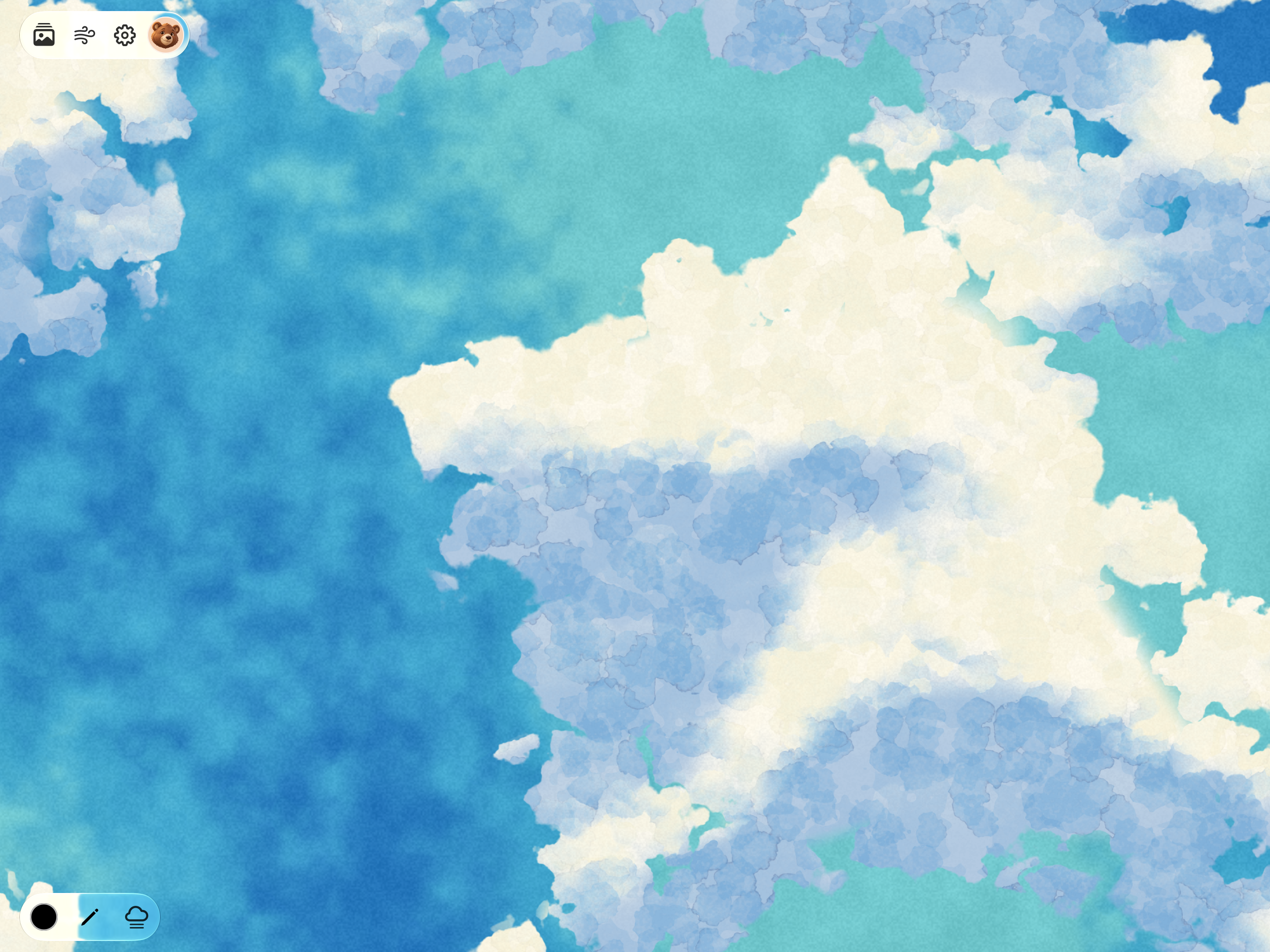
A textured watercolor sky. Premium background included with Cloud Gaze Pro.
Download PNG 2752 × 2064 · 6.73 MBSuggested image credit: Courtesy of Cloud Gaze / Austin Emmons.
Need a different format or want to hear the story behind Cloud Gaze? Say hello to Austin.
Cloud Gaze 2 materials · Updated October 23, 2026